Productivity Apps That Actually Make Life Easier (for Work, School, and Home)
Productivity isn’t about squeezing more into your day until you’re exhausted—it’s about using your time, energy, and attention more intentionally. The right productivity apps can help you stay organized, reduce mental clutter, and keep important things from slipping through the cracks. Whether you’re running a business, building your career, juggling schoolwork, or managing a household, there are tools designed specifically to support your season of life.
Instead of trying to use one app for everything, it often works better to choose tools that fit how you actually live and work. Below, I’ve broken productivity apps into four main categories—business, career, schooling, and family—so you can easily find what makes sense for you.
Productivity Apps for Business Owners & Entrepreneurs
Running a business—especially from home—requires managing projects, deadlines, communication, and ideas all at once. These apps are designed to help business owners stay organized without feeling overwhelmed.
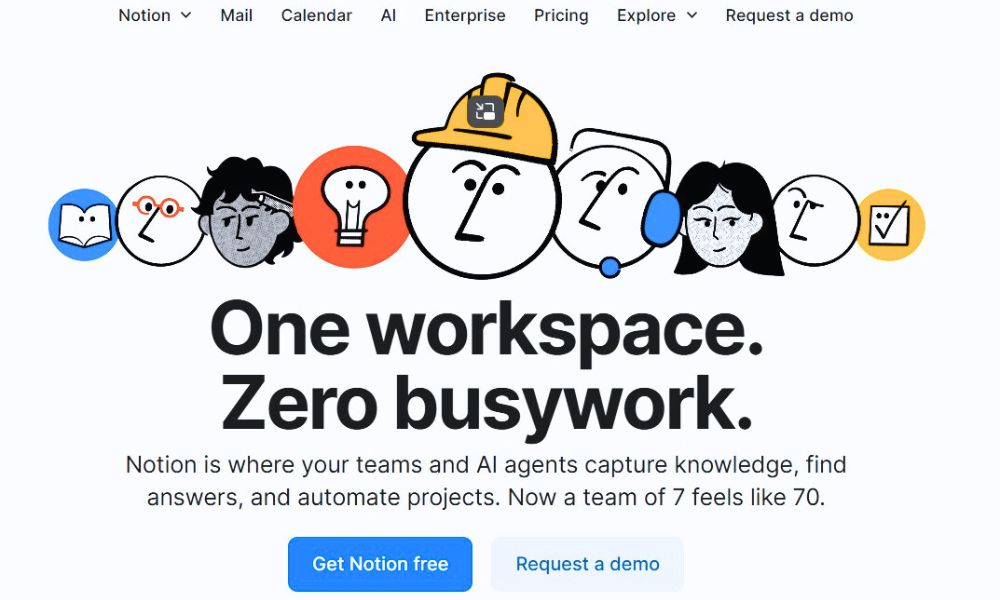
Notion
Notion is an all-in-one workspace that replaces scattered notes, documents, and spreadsheets. Many business owners use it as a digital headquarters for content planning, SOPs, client tracking, and goal setting. What makes it powerful is its flexibility—you can build simple to-do lists or complex dashboards depending on your needs. It does take some setup time, but once it’s customized, it can streamline nearly every part of your business.
Affiliate links may be used in this post, and if so, I will receive a commission at no extra cost. I’m also part of the Amazon Affiliate (Associate) program, where I earn a commission from sales made through my affiliate links. Read the full disclosure policy.
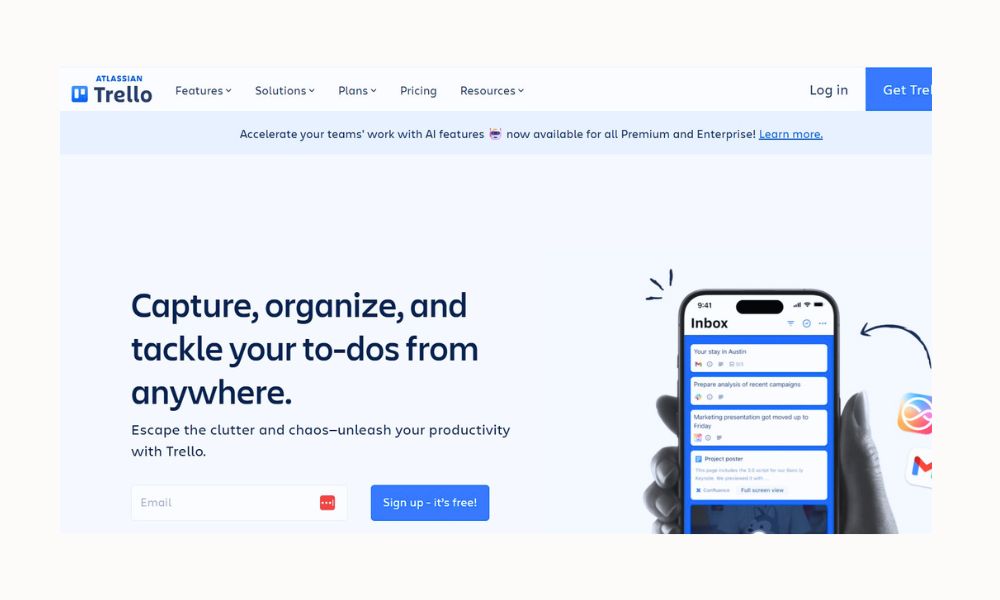
Trello
Trello is a visual project management app that uses boards, lists, and cards to organize tasks. It’s especially helpful for entrepreneurs who like seeing their work laid out clearly from “to do” to “done.” You can create boards for launches, blog posts, clients, or content calendars. Its drag-and-drop simplicity makes it easy to use without a learning curve.
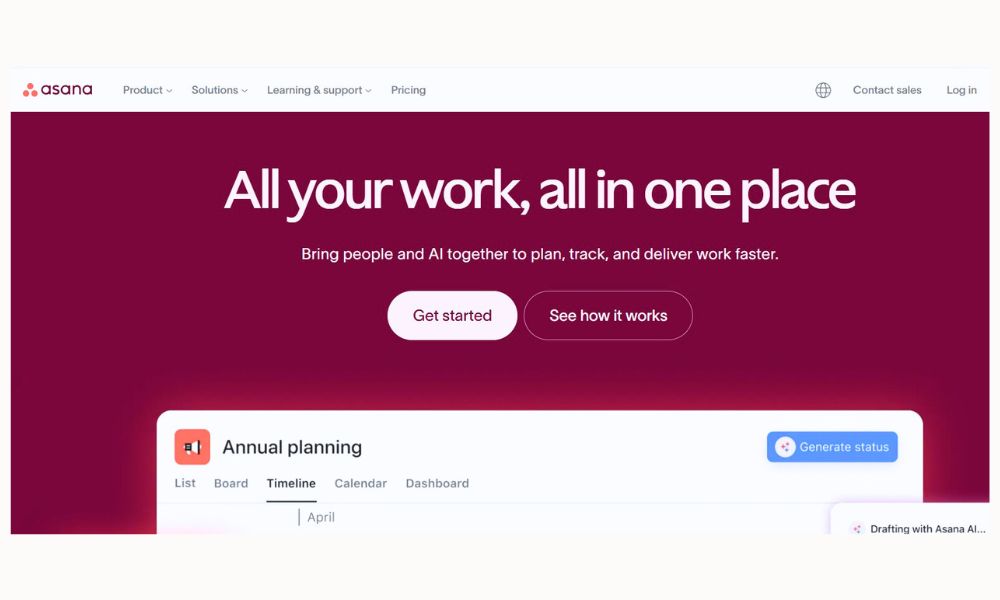
Asana
Asana is ideal for business owners who manage teams or multiple ongoing projects. It helps you assign tasks, set deadlines, and track progress in real time. Even solopreneurs benefit from Asana’s structure when juggling many responsibilities. It’s especially useful for recurring tasks and long-term planning.
Slack
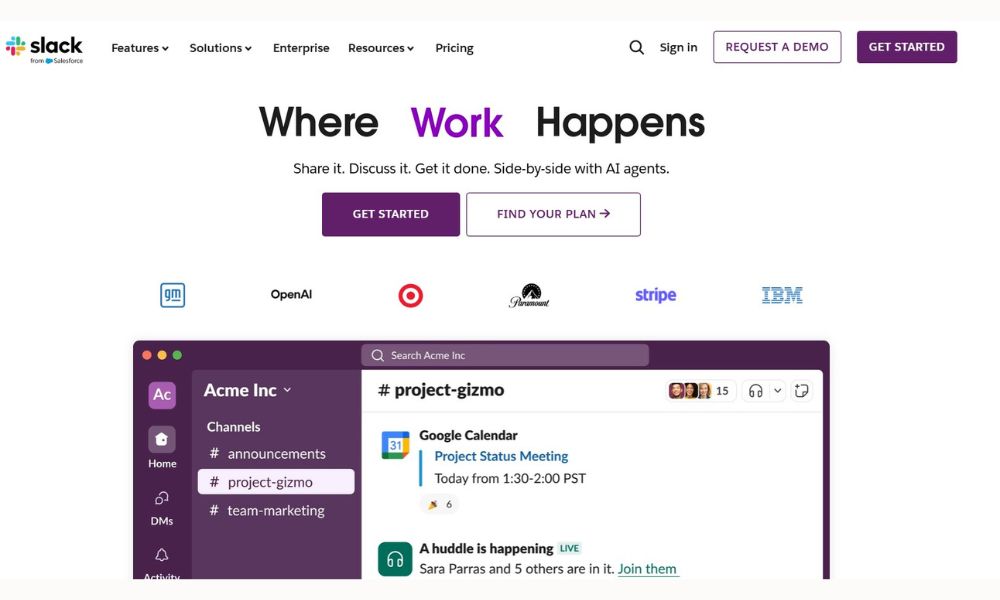
Slack replaces cluttered email inboxes with organized channels for communication. It’s popular with remote teams, freelancers, and agencies. Conversations stay searchable and focused, making collaboration smoother. Even small teams benefit from having one central place for updates, questions, and files.
Productivity Apps for Career & Professional Life
Whether you work in an office, remotely, or in a hybrid role, career-focused productivity apps help you stay on top of tasks, meetings, and goals without burnout.
Todoist
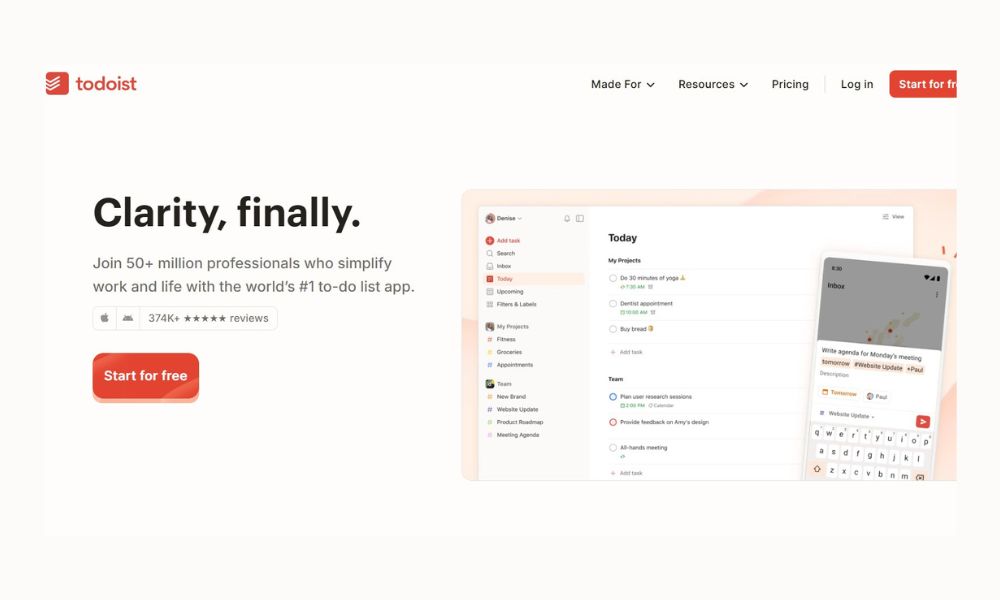
Todoist is a clean, intuitive task manager that works well for professionals who want structure without complexity. You can organize tasks by project, priority, and due date, and it syncs seamlessly across devices. It’s great for keeping daily work tasks visible and manageable. Many people love it for its balance of simplicity and power.
Evernote
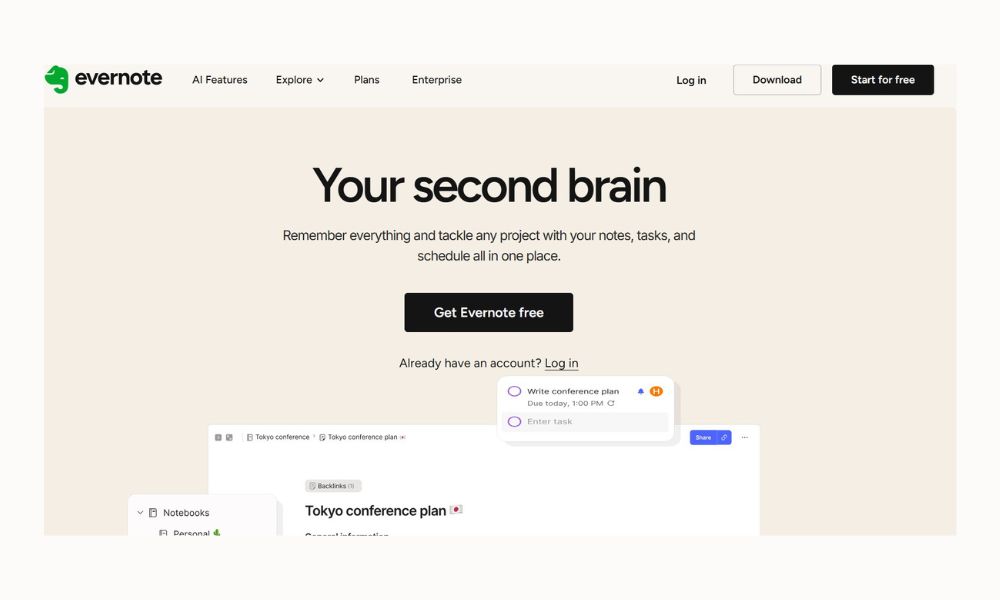
Evernote is a long-time favorite for organizing notes, ideas, and reference material. Professionals often use it to store meeting notes, research, articles, and project ideas in one searchable place. Its tagging system makes information easy to retrieve later. It’s especially helpful if your job involves writing, planning, or information management.
Google Calendar
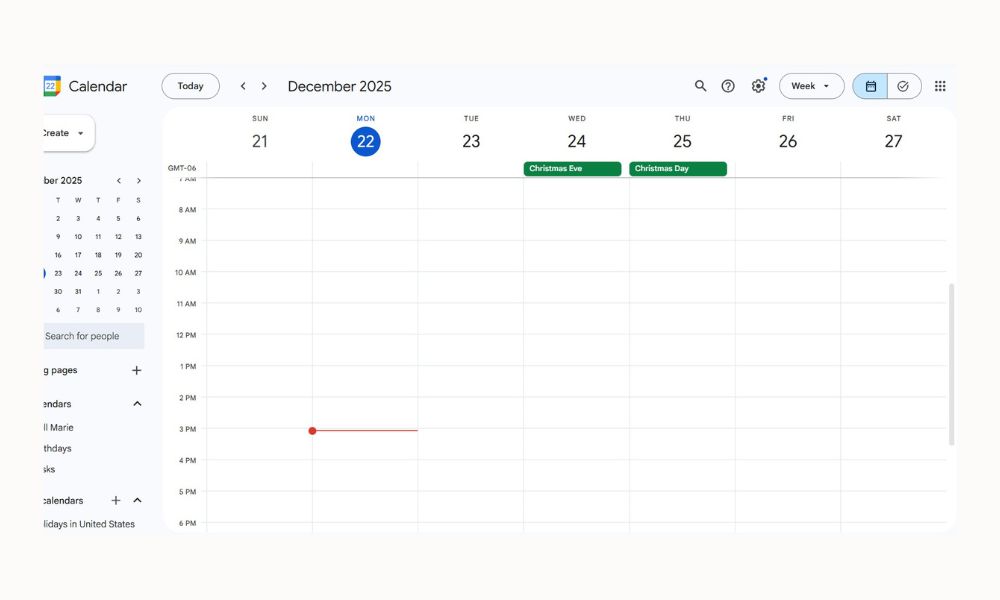
Google Calendar is a simple but essential productivity tool for managing schedules. You can block time for focused work, track meetings, and set reminders for deadlines. Color-coding different areas of life helps you see your workload at a glance. When used intentionally, it becomes a powerful time-management system.
Microsoft OneNote
OneNote works like a digital binder, allowing professionals to organize notes into notebooks, sections, and pages. It’s especially useful for those who prefer free-form note-taking with typing, handwriting, or audio notes. Many people use it to keep work projects neatly separated but easily accessible.

Productivity Apps for Schooling & Students
Students of all ages—from middle school to college to adult learners—benefit from apps that support focus, organization, and study habits.
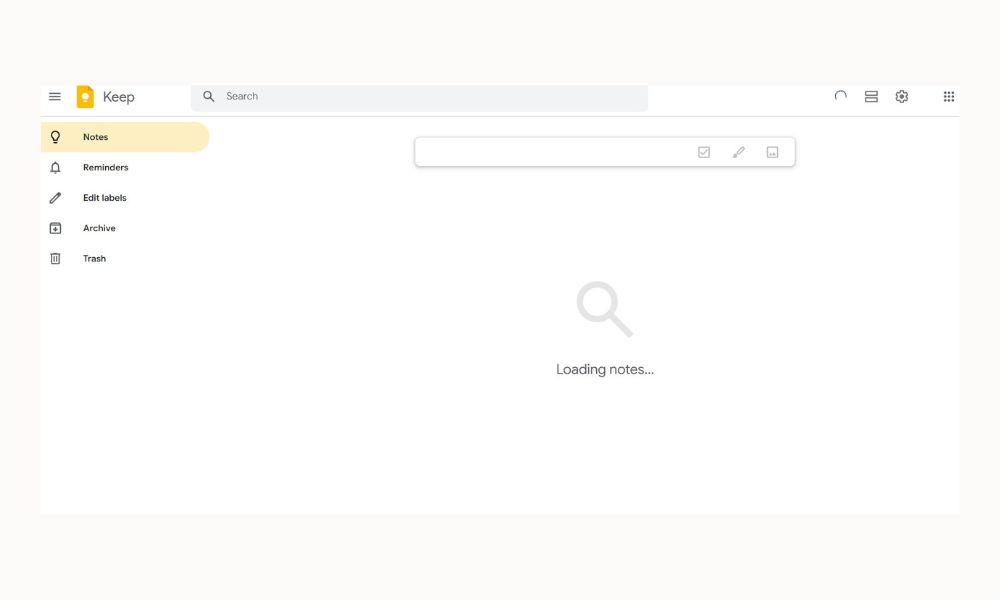
Google Keep
Google Keep is a simple note-taking app perfect for quick thoughts, reminders, and study notes. Students often use it for to-do lists, assignment reminders, and brainstorming. Its sticky-note style makes it approachable and easy to use. It’s especially helpful for visual learners.
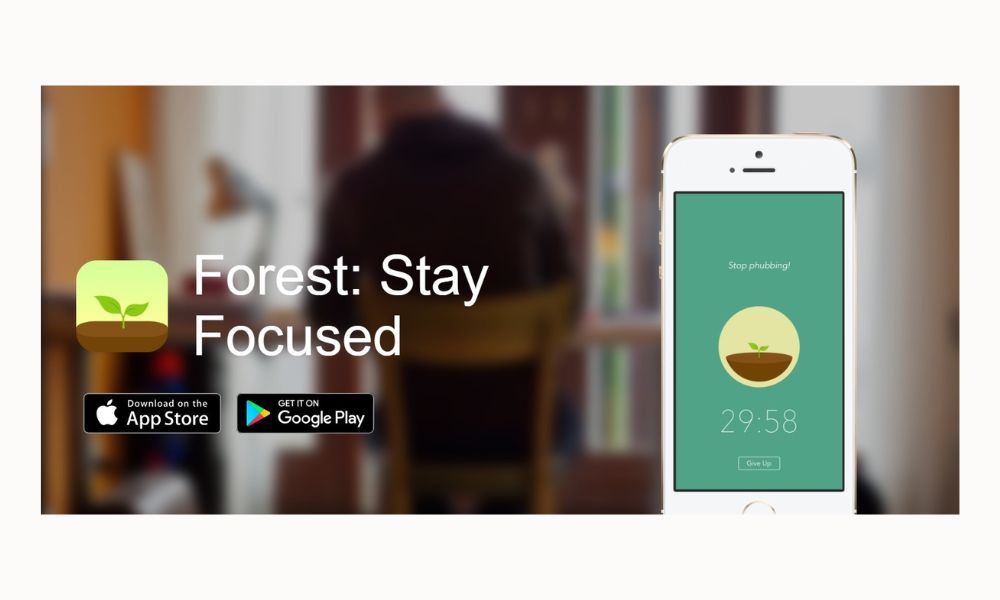
Forest
Forest is a focus app designed to help students stay off their phones while studying. You set a timer, and a virtual tree grows while you stay focused. If you leave the app, the tree dies—adding a fun accountability element. It’s a gentle way to build better concentration habits.
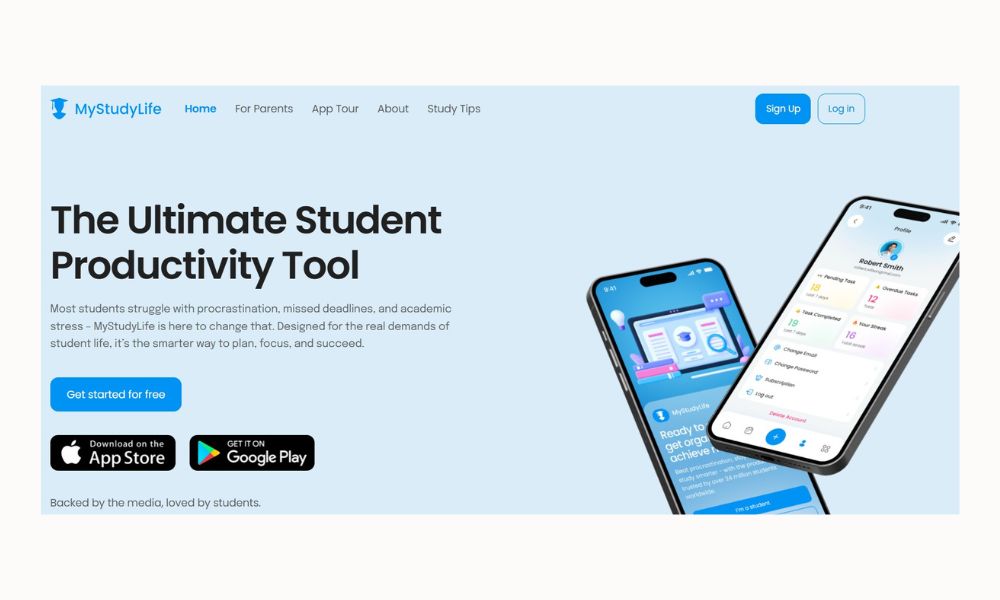
MyStudyLife
MyStudyLife is a digital planner built specifically for students. It tracks classes, assignments, exams, and deadlines in one place. Unlike traditional planners, it handles rotating schedules and term-based courses well. Many students find it reduces stress by keeping everything clearly organized.
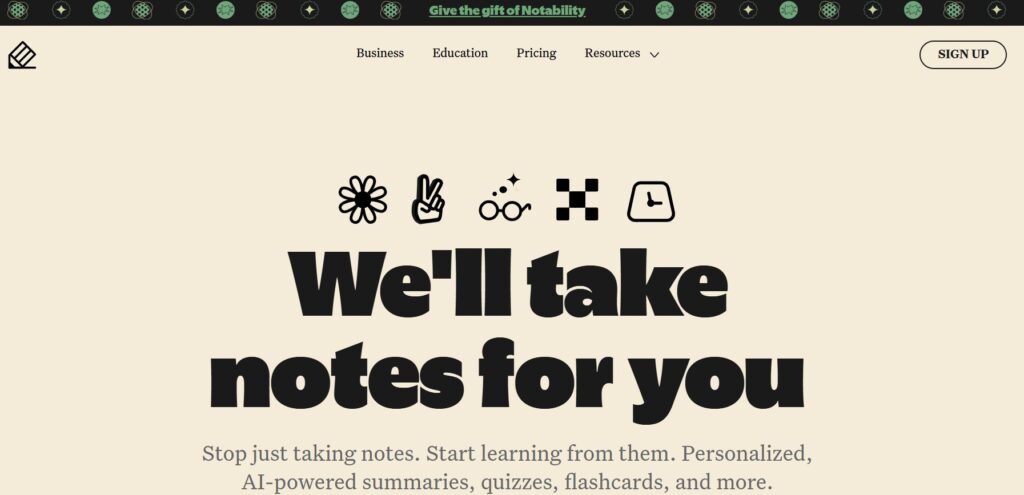
Notability
Notability is popular with students who like handwritten notes, especially on tablets. It allows for typing, drawing, annotating PDFs, and recording lectures. This makes it ideal for complex subjects where visuals matter. It’s a favorite among college and graduate students.
Productivity Apps for Family & Home Life
Productivity isn’t just about work—it’s also about keeping family life running smoothly. These apps help manage schedules, chores, meals, and mental load.
Cozi
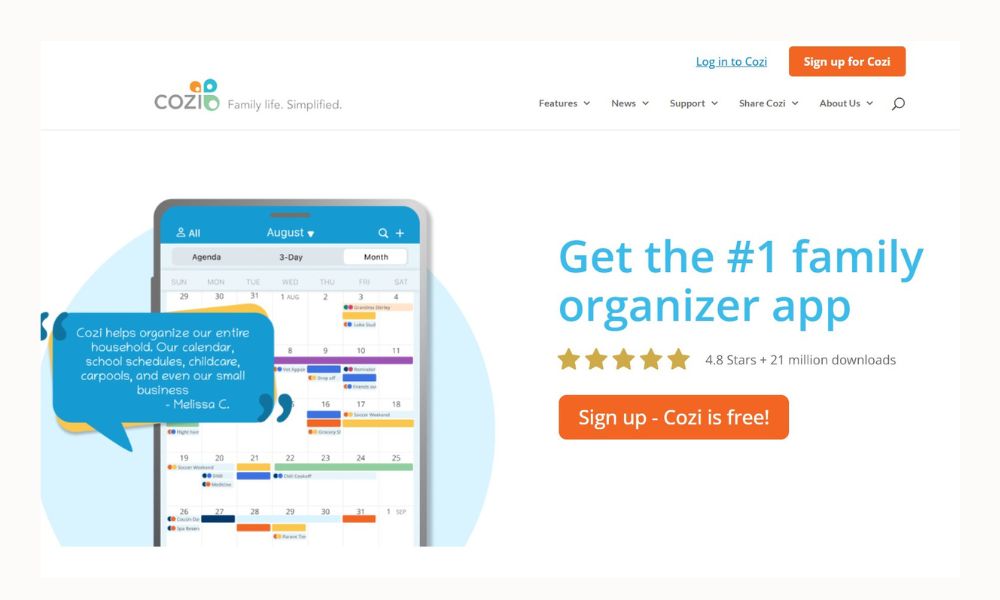
Cozi is a family-focused organization app that includes a shared calendar, to-do lists, shopping lists, and meal planning. It’s especially helpful for busy families coordinating multiple schedules. Everyone can see updates in real time, reducing miscommunication. It’s like a digital family command center.
OurHome
OurHome helps families manage chores and responsibilities in a fun, visual way. Tasks can be assigned, tracked, and rewarded, which works well for kids and teens. It encourages accountability without constant reminders. Many parents use it to reduce daily friction around chores.
AnyList
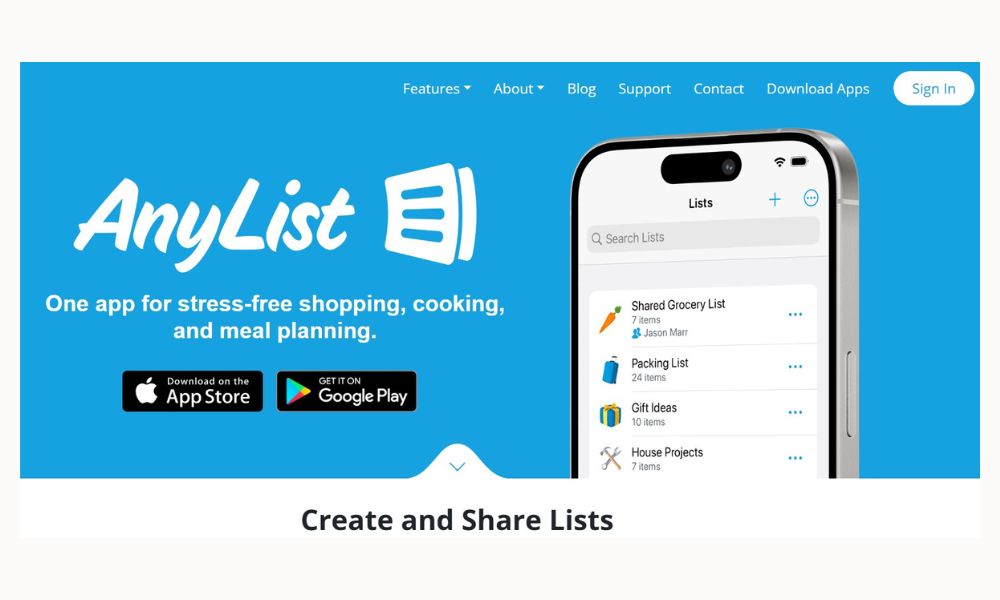
AnyList simplifies grocery shopping and meal planning. You can create shared lists, plan meals, and save favorite recipes. It’s especially useful for families trying to stay organized and reduce food waste. Having everything in one place saves both time and mental energy.
TimeTree
TimeTree is a shared calendar designed for families, couples, or groups. It allows everyone to see schedules, add events, and comment on plans. This helps prevent double-booking and last-minute surprises. It’s a great option for households with busy, overlapping schedules.

Choosing the Right Productivity App for Your Life
With so many productivity apps available, it’s tempting to try them all—but more tools don’t always mean more productivity. The best app is the one you’ll actually use consistently. Start by identifying where you feel the most friction: managing time, remembering tasks, coordinating schedules, or staying focused.
It’s also okay to keep things simple. One well-chosen app can often replace three others. Productivity should feel supportive, not complicated.
Final Thoughts
Productivity apps are meant to serve your life—not run it or make you feel like you’re constantly behind. I really believe the best tools are the ones that quietly support you in the background, not the ones that demand your attention all day long. Whether you’re growing a business, trying to move forward in your career, keeping up with school, or managing a family, the right app can take a little bit of the mental load off your plate. Instead of holding everything in your head, you can let the app remember the details for you.
When I use productivity apps intentionally, they help me feel more organized and less scattered. I’m not scrambling to remember deadlines, appointments, or to-do lists, and that alone reduces so much stress. Having things written down in one place creates breathing room in my day—it frees up energy that I can put toward being present, creative, or simply resting when I need to. That calm feeling matters just as much as checking things off a list.
At the end of the day, productivity isn’t about doing more for the sake of being busy. It’s about creating systems that support the life you actually want to live. When these apps are used as tools instead of taskmasters, they help you move through your days with more ease, clarity, and intention—and that kind of calm, purposeful productivity is what really makes a difference.